





















PowerPoint online presentation course

Slide Revolution 2.0

Upgrade your presentation skills with my online PowerPoint Design Course. Learn to create visually stunning slides that engage and inspire your audience.

★★★★★ Trusted by 10,000+ students worldwide
SCROLL

Do you ever feel like...

Do you know cool presentations help your career — but you still haven't learned how to make them? Cool presentations help your career — but you haven't learned how?

Thinking memoji
Eye-rolling memoji

You spend too much time creating your presentations? Spend too much time on your decks?

Shrugging memoji

Lost and unsure where to even begin? Lost on where to begin?

Surprised memoji

Slides look overloaded and don't land the point? Slides look overloaded, meaning gets lost?

Idea memoji

You have amazing ideas — but turning them into a real presentation is hard? Amazing ideas — hard to turn into slides?

Yawning memoji

…and the audience fell asleep on slide 2? …audience fell asleep on slide 2?

If any of this resonated with you…Sound familiar?

My course has exactly
what you need!

Course overview:

  • Beautiful presentations, no struggle
  • Capture attention, land your point
  • Achieve your career goals
Explore course

Leading Businesses Trust Tony
To Level Up Their Employees’ Skills

IKEA
AmRest
L'Oréal Paris
General Motors
Cisco
Tata
Red Bull
SAP
Marathon
NorthStar

Course program

01 · Introduction

15 min
  • Introduction to the theory of information perception
  • Setting up the PowerPoint interface, mastering basic techniques
  • Customize Quick Access Toolbar and use hotkeys to speed up your work
  • Checking your PowerPoint version
01

02 · Work with text

25 min
  • Mastering the variety of fonts
  • Learning the principles of visual hierarchy
  • Organizing information on slides, learning symmetry
  • Transforming a slide into a clear, structured presentation
02

03 · Concepts

25 min
  • Learning how to choose the right concept
  • Working with a unified visual presentation style
  • Using different forms and shapes in presentation
  • Working together to create a cohesive concept inspired by the logo
03

04 · Work with colors

10 min
  • Studying the basic principles of color theory
  • Understanding the influence of color on presentation perception
  • Effective application of color schemes in presentations
  • Practical exercises on using color
04

05 · Photo & video content

25 min
  • Diving into the world of photo and video content
  • Exploring the best resources for content
  • Choosing the right content for effective presentations
  • Practical exercise on using visual tools
05

06 · Charts & tables

35 min
  • Studying data visualization techniques
  • The art of creating pie charts
  • Creating professional graphs
  • Practical skills in the field of data visualization
06

07 · Animation

35 min
  • Studying the key principles of animation for professional presentations
  • Overview of morph and classical animation capabilities
  • Learning the application of various dynamic effects
  • Working with text effects and creating infinite animations
07

08 · Final part

40 min
  • Summarizing all topics and techniques we've studied
  • Jointly creating a presentation showcasing all the key skills and tools
  • Creating a comprehensive presentation to showcase your skills
  • 2 bonus lessons
08

 + slides

you purchase together with the course

Elevate your presentations with Tony

  • +30 lessons
  • +500 downloadable slides
  • Full Lifetime Access
  • Checklists
  • Windows + MacOS
  • Student Support
  • Access on any devices
  • Useful tools
  • Free Updates
  • Certificate of Completion
$ 35 $ 196
Buy

How do I start the course?

Pay for the course on the site

Receive an email with a link to the educational platform

Follow the link and get access to the course

Students’ results

Max MAX

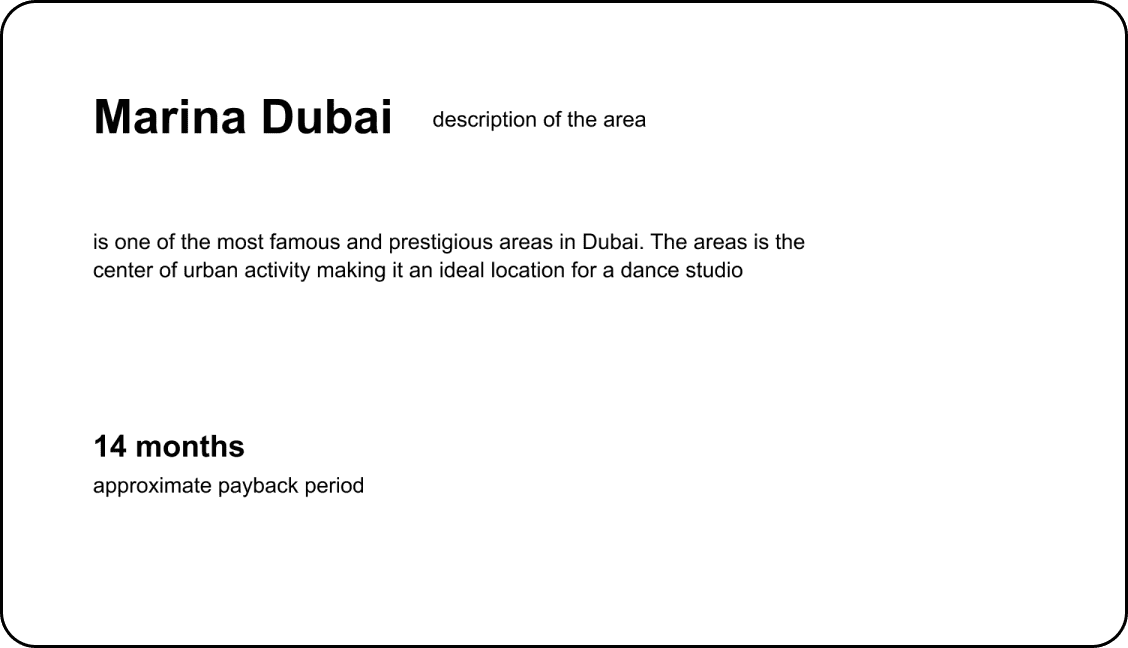
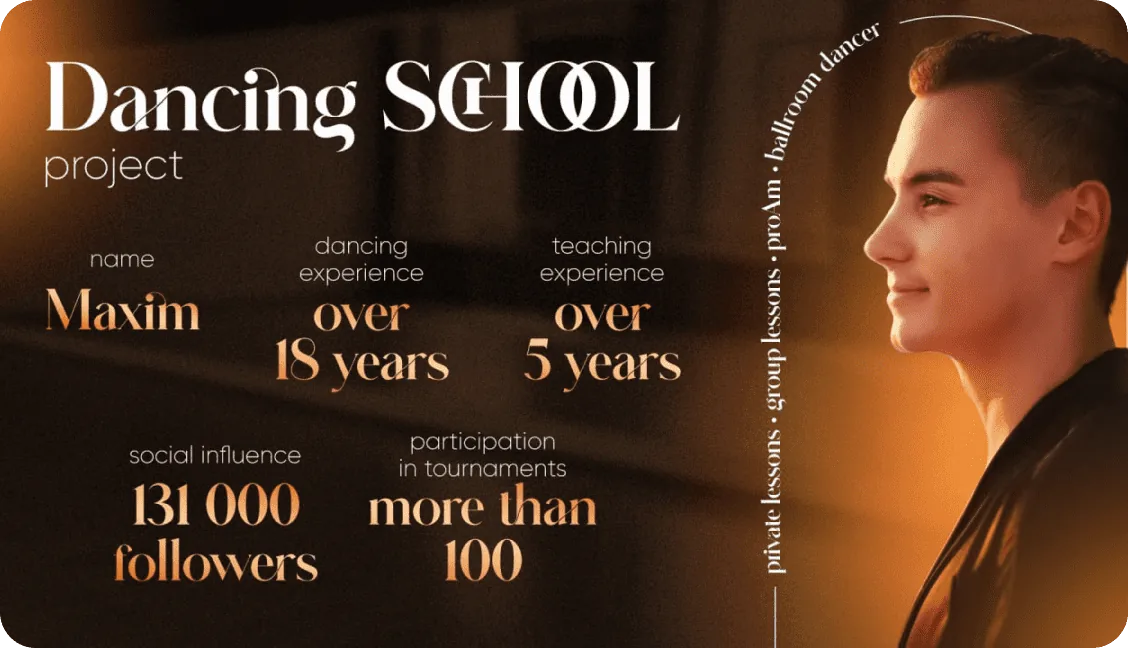
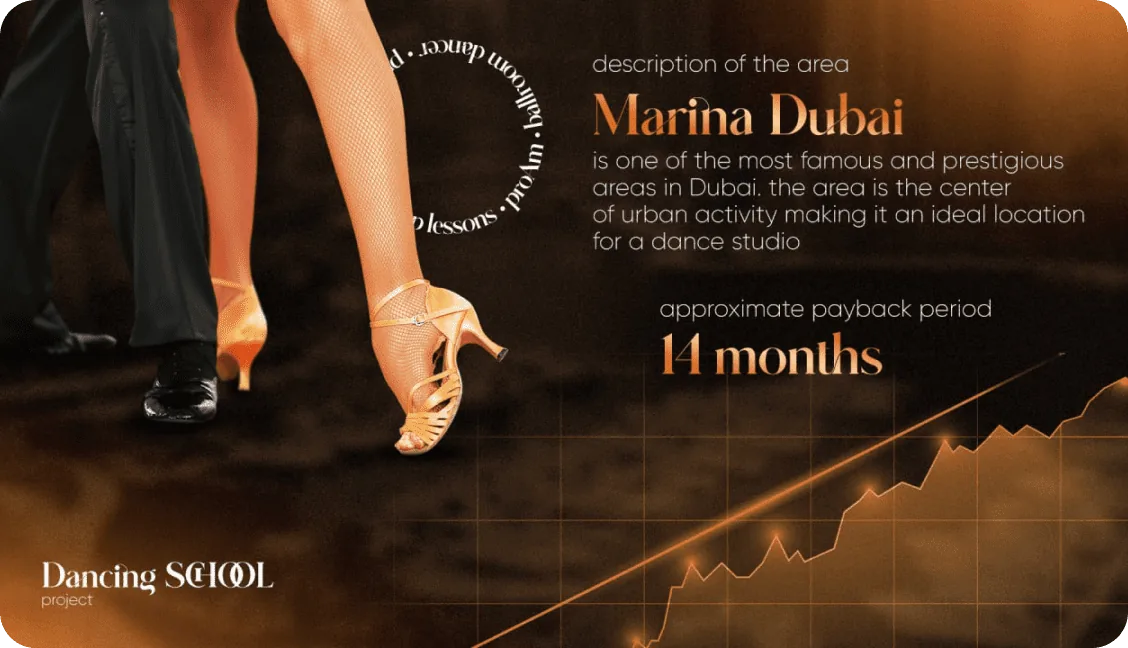
Tony’s Slide Revolution 2.0 course turned my ideas about creating presentations upside down. Thanks to his methods, I created a presentation that helped me find an investor for a dance studio project in Dubai. This course is a real boon for anyone who wants to create impressive and effective presentations.

★★★★★
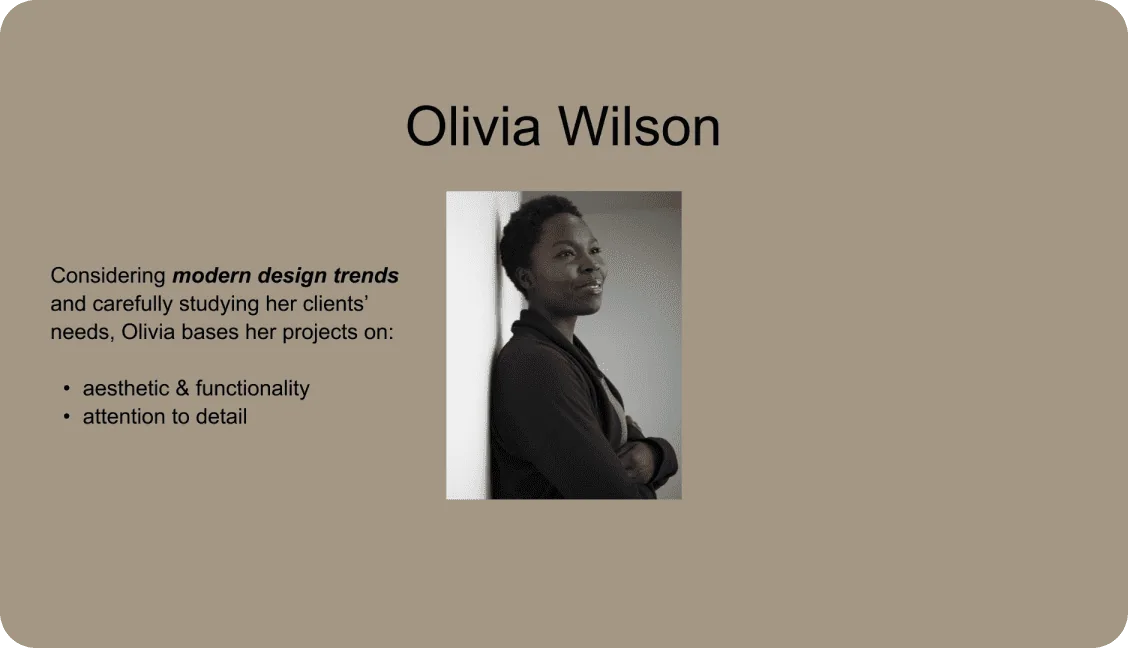
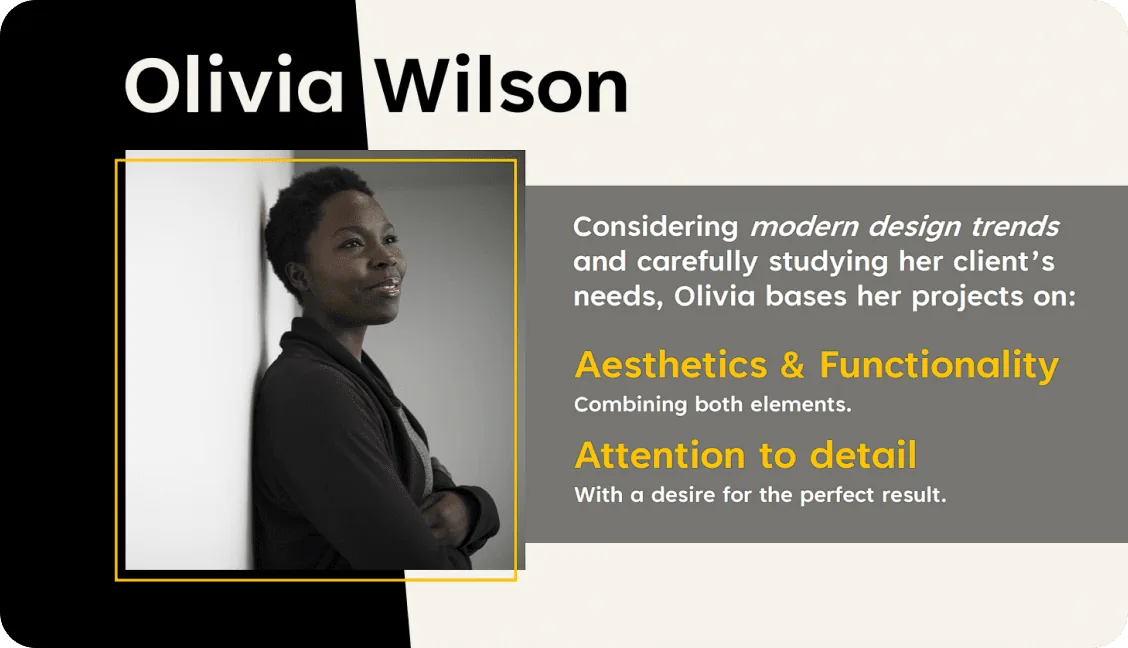
Slides before the course
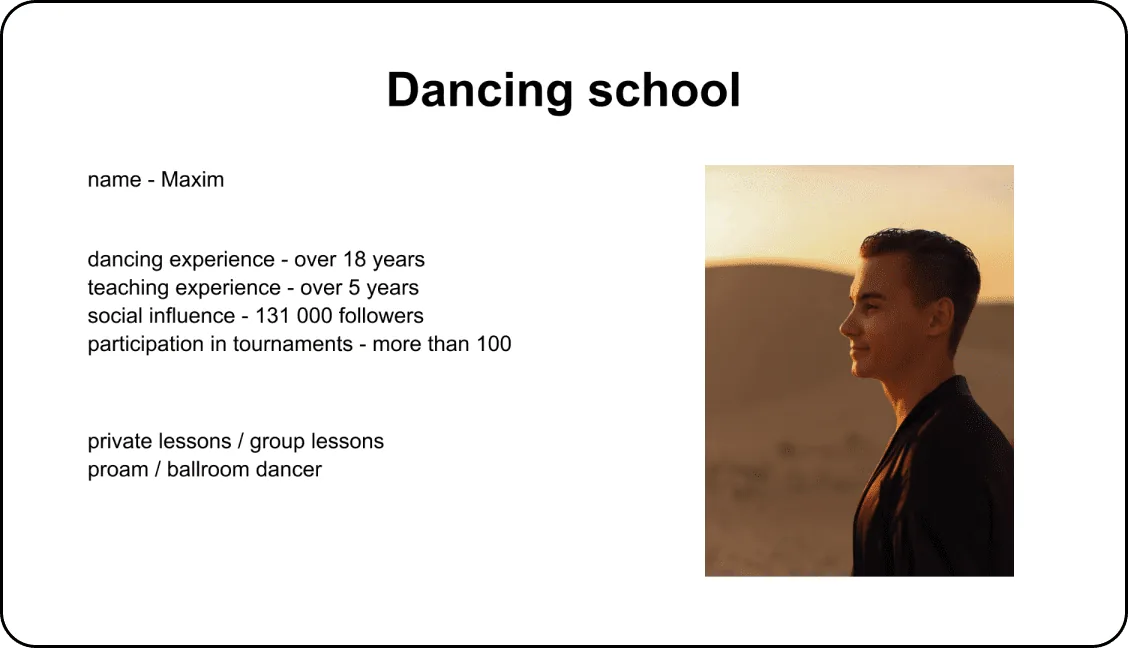
Slides after the course
Andres ANDRES

I’ve wanted to study from Tony for a long time and have been following his work. Working in internal communications requires continuous improvement of skills and the “Slide Revolution 2.0” course has exceeded my expectations. Tony not only shares knowledge but also provides valuable tools to help me develop. I recommend this course to anyone who wants to reach new career heights.

★★★★★
Slides before the course
Slides after the course
Kishore KISHORE

Tony’s Slide Revolution 2.0 course was a game changer for me. He breaks down complex concepts into easily understandable chunks, and the hands-on approach allowed me to immediately see the impact on my presentations. His expertise in animations is unparalleled. Whether you’re anyone looking to enhance your PowerPoint skills, I highly recommend Tony’s course.

★★★★★
Slides before the course
Slides after the course

Tina TINA

The Slide Revolution 2.0 course has significantly transformed my approach to creating presentations. As a marketer, it’s important to me that every presentation is not only informative, but also visually appealing. Your course taught me effective techniques and methods that I was immediately able to apply in my work.

★★★★★
Slides before the course
Slides after the course
Meet the Creator

Tony PPT - PowerPoint Expert

Tony PPT is a recognized PowerPoint expert who has created thousands of slides and worked with dozens of S&P 500 companies.

Since launching his PowerPoint social media in December 2022, he has grown a community of more than 3.500.000 people on Instagram, YouTube, and TikTok (@tonyppt_). His content features impressive videos filled with useful PowerPoint tricks, creativity, and design, garnering millions of views.

Tony is the creator of the “Slide Revolution” course based on his unique methodology and passionately teaches PowerPoint presentation creation. More than 10.000 students have successfully improved their presentation design skills thanks to Tony.

Tony PPT

Frequently asked questions

I spent 100+ hours researching and building this system so you don’t have to. You’ll have access to the knowledge I’ve been discovering for years, because I have thousands of slides under my belt.
The course is delivered entirely online, through a combination of video lectures, hands-on exercises, and quizzes. You can access the course material at any time, from anywhere in the world.
The course is self-paced, so you can take as much time as you need to complete it. On average, students complete the course in 4-6 weeks.
All you need is a computer with Microsoft PowerPoint 2019 or newer. No prior experience with PowerPoint or presentation design is required.
The course is self-contained and you can choose which lessons to take. However, we recommend that you take the entire course to get a full understanding of the topic and gain skills in creating beautiful and effective presentations
The skills you acquire in this course are highly transferable. While the course uses PowerPoint as the primary tool for instruction, the design principles, techniques, and concepts taught are universal to presentation design. This means you can apply what you learn to other platforms like Google Slides and Keynote. The goal is to help you create effective, visually appealing presentations, no matter what software you use.
The cost of the course is set in dollars, if your bank has another currency, you can also pay, your bank will automatically convert your local currency into US dollars. If you have problems with payment, email me at tonypptschool@gmail.com